
Progress Bar Widget
Adding a progress bar widget to your pages, blocks and funnels. The progress bar can also be used in a dynamic URL.
Navigate to Widgets and choose the progress bar option.

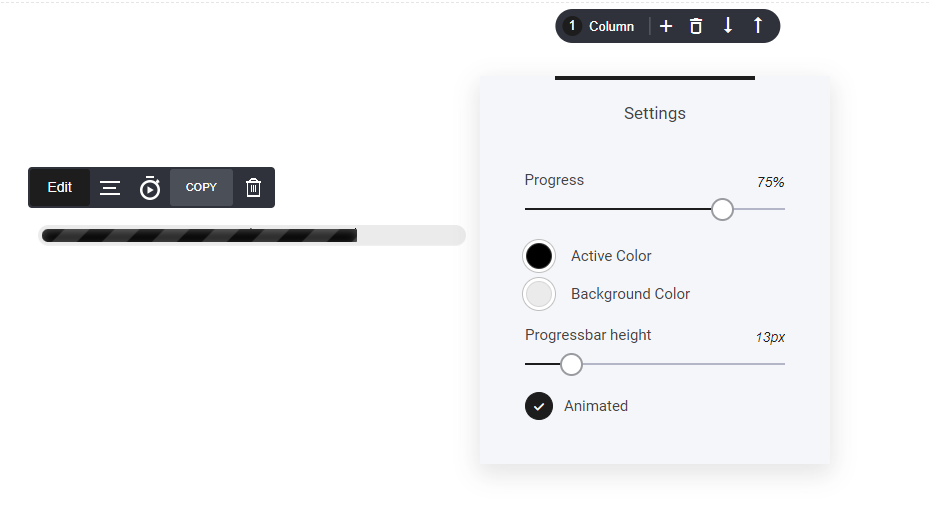
Now that you have the progress bar on your page, you can now open the settings tab to modify the look.
- Progress: Set the progress % to where you need it.
- Select the color and background.
- Choose the height of the progress bar and whether you need it animated or not.
Dynamic Bar Url
To make your progress bar dynamic, add a URL string to your page domain where the progress bar is included. This will automatically update the progress percentage based on the URL string parameter you set.
For example: www.yourdomain.com/page?progress=20%
This will change the progress bar percentage to 20%. You can modify the percentage to suit your needs.