
Make Integration in Recrevio
Make (formerly Integromat) is a powerful visual automation platform designed for advanced workflows, complex logic, and large-scale automation.
Compared to Zapier, Make offers deeper control over data, branching logic, transformations, and multi-step scenarios — making it ideal for power users and more complex business processes.
👉 New to external automation?
Read the overview first: Connecting Recrevio With External Tools
How Make Works with Recrevio
Make supports full two-way automation, meaning you can automate flows in every direction:
- Triggers in Recrevio → Actions in Make or other apps
- Triggers in other apps → Actions in Recrevio
- Triggers in Recrevio → Actions in Recrevio (advanced internal workflows)
Automation in Make is built using visual scenarios, where each step, condition, and data transformation is clearly visible and configurable.
How to Connect Recrevio to Make
To start using Make with Recrevio:
- Click the Make integration link: Make App
-
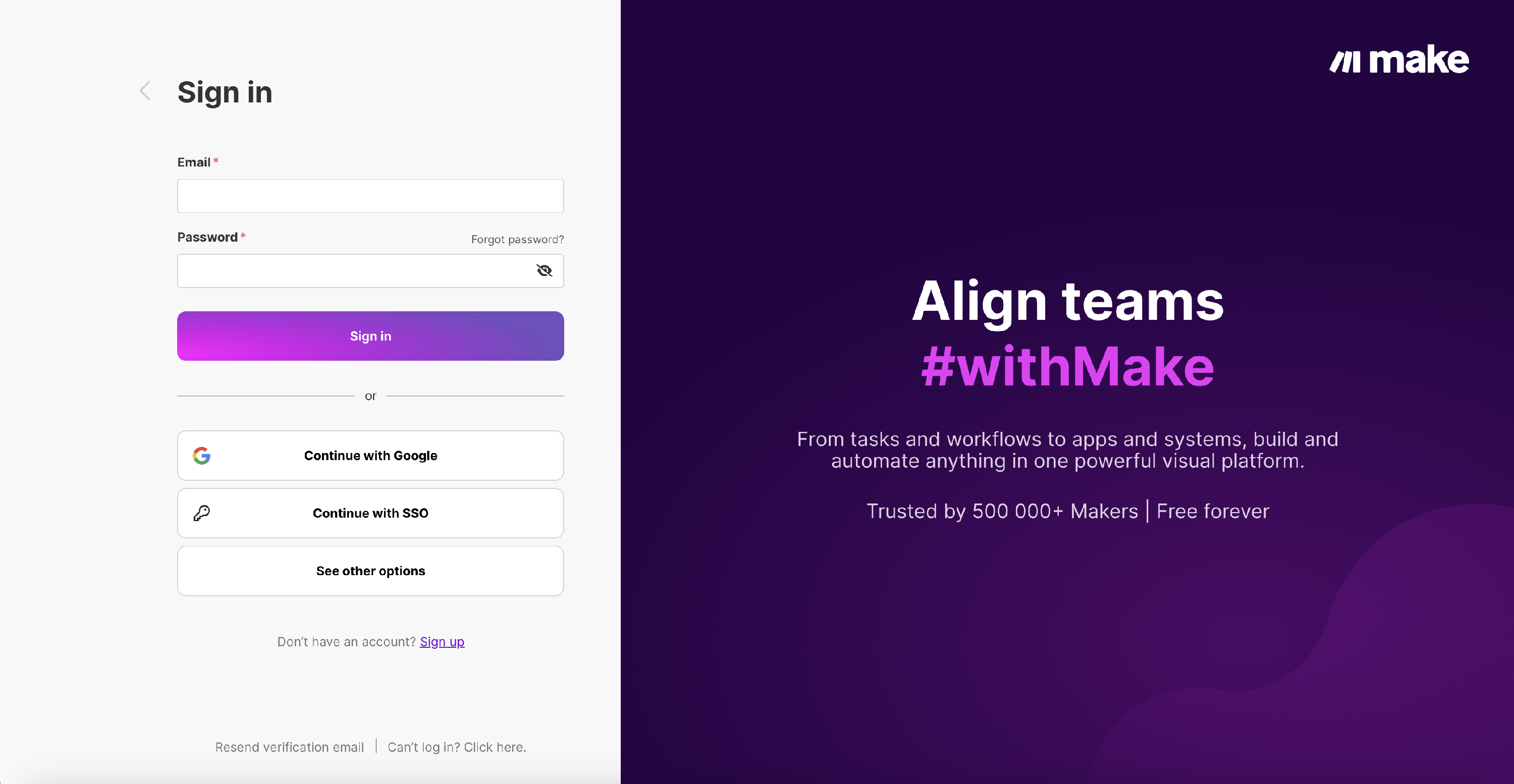
Log in or create a Make account
-
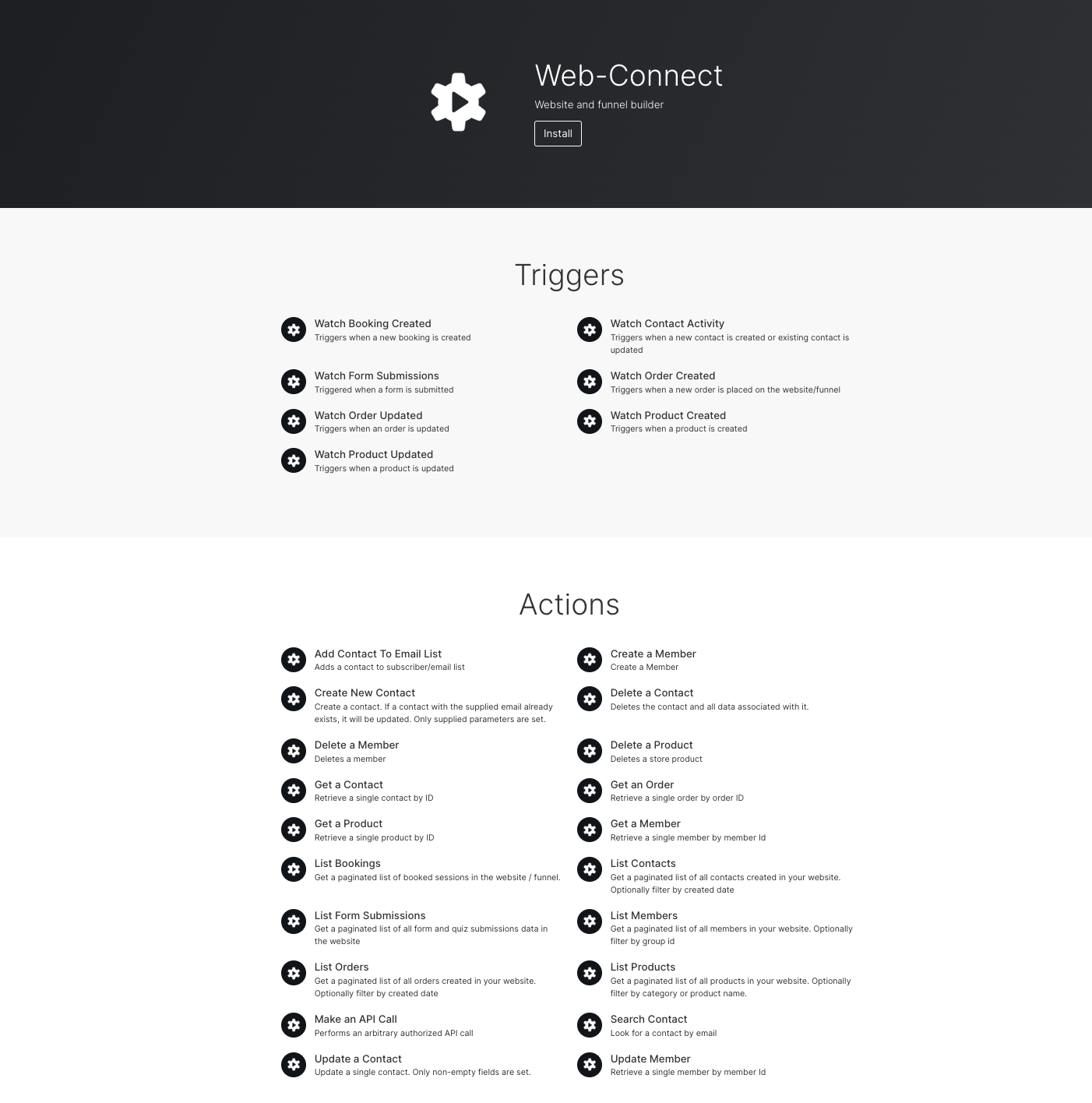
Install the Recrevio (Web-Connect) app by clicking Install at the top of the page
💡 Note – You might need to click the link again after logging in or signing up to reach the install screen.
- Start building your first scenario
Once installed, Recrevio becomes available as both a trigger and action app inside Make.
Make Triggers (Events from Recrevio)
Triggers start a scenario when something happens inside Recrevio.
Available Triggers
Watch Booking Created
Triggers when a new booking is created.
Watch Form Submissions
Triggers when a form or quiz is submitted on your website or funnel.
Watch Order Created
Triggers when a new order is placed.
Watch Order Updated
Triggers when an existing order is updated.
Watch Product Created
Triggers when a new product is created.
Watch Product Updated
Triggers when an existing product is updated.
Watch Contact Activity
Triggers when a new contact is created or an existing contact is updated.
These triggers allow you to react instantly to activity in Recrevio and pass data to other systems or internal workflows.
Make Actions (Actions in Recrevio)
Actions allow Make – or other connected apps – to create, update, retrieve, list, or delete data inside Recrevio.
Create & Update Actions
Add Contact To Email List
Adds a contact to a subscriber/email list (useful for syncing signups into specific lists).
Create New Contact
Creates a contact. If a contact with the supplied email already exists, it will be updated. Only supplied parameters are set.
Update Contact
Updates a single contact. Only non-empty fields are set.
Create a Member
Creates a new member account.
Update Member
Updates an existing member. Only non-empty fields are set.
Retrieve & Search Actions
Get a Contact
Retrieves a single contact by ID.
Get an Order
Retrieves a single order by order ID.
Get a Product
Retrieves a single product by ID.
Get a Member
Retrieves a single member by member ID.
Search Contact
Search for a contact by email.
List Actions
List Contacts
Gets a paginated list of all contacts created in your website. Optionally filter by created date.
List Members
Gets a paginated list of all members in your website. Optionally filter by group id.
List Orders
Gets a paginated list of all orders created in your website. Optionally filter by created date.
List Products
Gets a paginated list of all products in your website. Optionally filter by category or product name.
List Bookings
Gets a paginated list of booked sessions in the website/funnel.
List Form Submissions
Gets a paginated list of all form and quiz submissions data in the website.
Delete Actions
Delete a Contact
Deletes the contact and all data associated with it.
Delete a Member
Deletes a member.
Delete a Product
Deletes a store product.
⚠️ Deletion actions are permanent and should be used with care.
Advanced Actions
Make an API Call
Performs an arbitrary authorized API call for advanced use cases.
This action is typically used for:
- Custom integrations
- Advanced data handling
- Edge cases not covered by standard modules
Typical Make Use Cases
Make is especially well suited for:
- Advanced multi-step workflows
- Data transformation and enrichment
- Routing and conditional logic
- Internal system integrations
- High-volume or complex automations
- Enterprise-level workflows
Choosing Between Zapier and Make
Zapier and Make both integrate deeply with Recrevio, but they are designed for slightly different types of workflows.
While they overlap in many areas, the available triggers and actions are not identical.
Make generally offers a more extensive set of actions, deeper data control, and more flexibility, while Zapier focuses on speed, simplicity, and ease of use.
👉 Tip
Before choosing a platform, review which triggers and actions are available and select the automation platform that best matches what you want to automate.
Choose Zapier if you want:
- Fast setup with minimal configuration
- Simple, linear workflows
- Low technical complexity
- Quick connections between common apps
- Easy “if-this-then-that” automations
Zapier is ideal when you want to get automations running quickly with as little friction as possible.
👉 Learn more: Zapier Integration with Recrevio
Choose Make if you want:
- A larger and more detailed set of triggers and actions
- Visual workflow design with full control
- Advanced logic, branching, and conditions
- Data transformation and mapping
- Scalable, multi-step, or high-volume automations
Make is best suited for advanced workflows, internal systems, and complex business logic.
Using Both Platforms
Many businesses use both Zapier and Make for different purposes:
- Zapier for quick, simple automations
- Make for advanced scenarios and complex workflows
You can choose the right tool per use case – and even run them side by side within the same Recrevio project.
Summary
Make is a powerful automation platform that lets you build advanced, visual, and scalable workflows with Recrevio.
With Make, you can:
- Trigger actions across multiple systems
- Sync data both ways
- Build complex logic and routing
- Automate high-volume and enterprise workflows
Whether you need simplicity or full control, Recrevio gives you the flexibility to integrate your business exactly the way you need 🚀