Audio widget
The audio widget element enables you to add music/sound to your website pages. Great for podcasts or even just having music playing when your visitors are browsing your website pages.
So to add your audio files to your page, simply navigate to the audio widget and drop in to the builder:

Settings
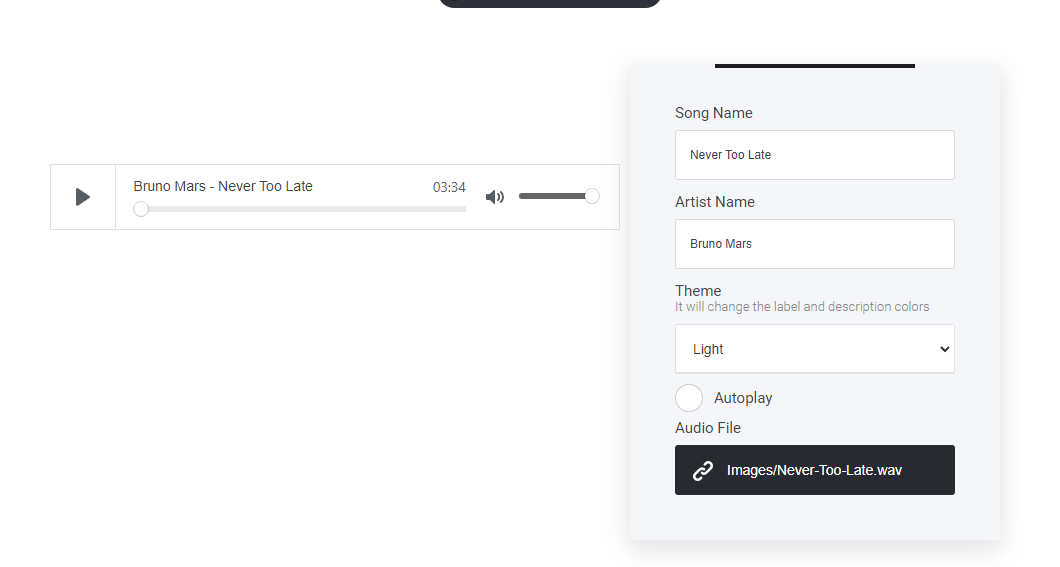
To set up your audio element is really simple. First select the settings tab, name your file/song/audio track and an artist name, set the theme to either light or dark mode, turn on or off auto-play and finally select the audio file from your file manager area.